gitLab建立npm公共组件
使用gitLab建立npm公共组件
步骤如下:
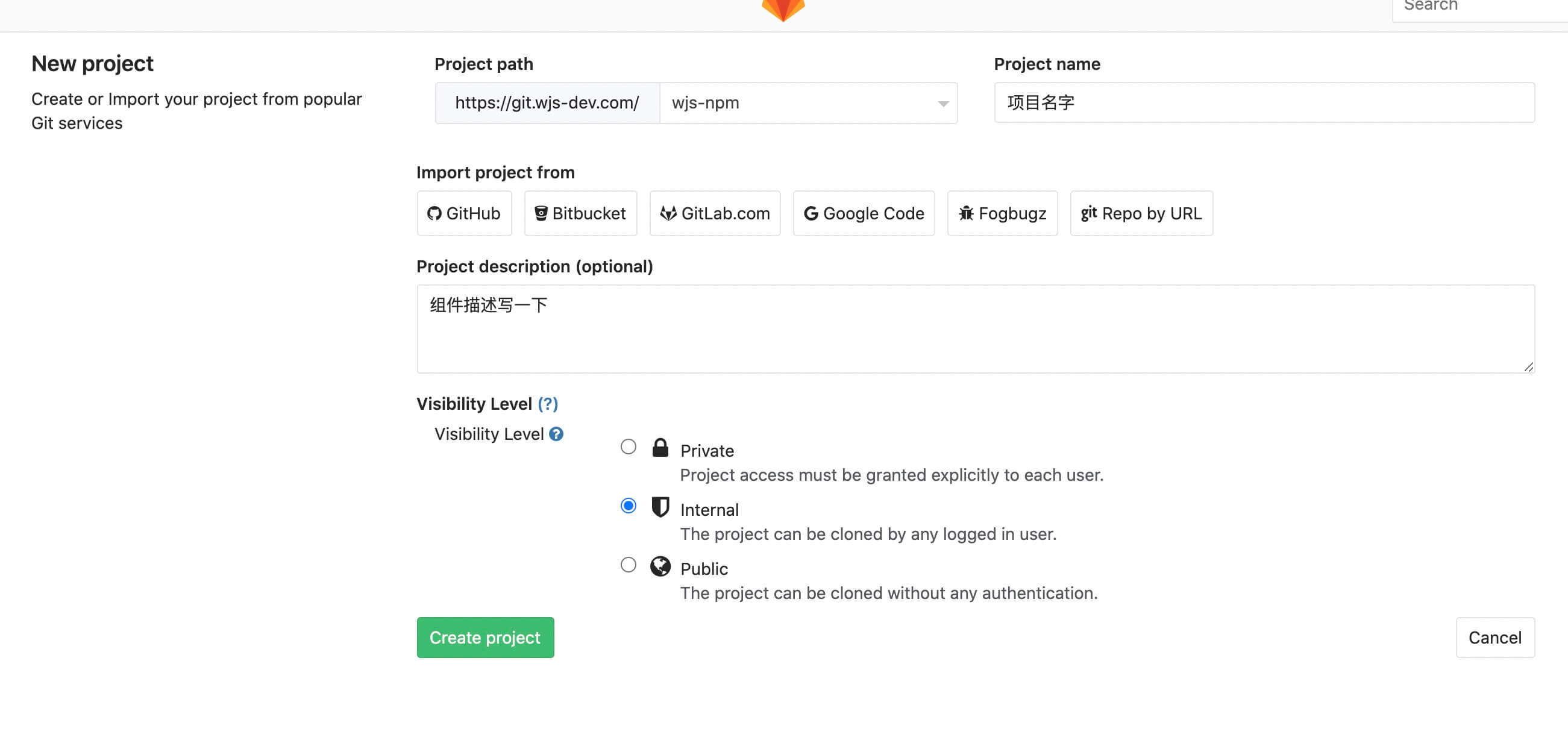
在gitLab上建立一个项目,用于存放组件代码

项目代码
npm init初始化一个package.json1
2
3
4
5
6
7
8
9
10
11
12
13{
"name": "@wjs-npm/fixedHeaderTable", // 组件名称(建议使用 @库名/组件名 的写法)
"version": "1.0.0", // 组件版本
"private": true, // 防止代码被公开发布
"description": "HelloWorld",
"main": "index.js",
"repository": {
"type": "git",
"url": "https://git.wjs-dev.com/wjs-npm/fixedHeaderTable.git"
},
"author": "bayunjiang",
"license": "ISC"
}新建一个
index.js文件,在其中写一个示例函数,内容参考如下。1
2
3
4
5const HelloWorld = () => {
console.log('Hello World')
}
export { HelloWorld }也可以写成vue插件,以自己写的一个插件为例。
1
2
3
4
5
6
7
8
9
10
11
12
13
14
15
16
17import ElTable from './ElTable'
export default {
install (Vue, options) {
if (options) {
ElTable.data = function () {
return Object.assign({
topOffset: 60,
rightOffset: 12,
tableWidth: 0,
headerFixed: false
}, options)
}
}
Vue.component(ElTable.name, ElTable)
}
}安装依赖
使用npm安装依赖1
npm install -S git+https://git.wjs-dev.com/wjs-npm/fixedHeaderTable.git
默认安装的是
master分支的代码
安装完成之后我们可以在package.json文件中看到如下内容。1
2
3"dependencies": {
"@wjs-npm/fixedHeaderTable": "git+https://git.wjs-dev.com/wjs-npm/fixedHeaderTable.git"
}插件使用
和其它npm包的使用一样1
2
3
4import Vue from 'Vue'
import fixedHeaderTable from '@wjs-npm/fixedHeaderTable'
Vue.use(fixedHeaderTable)版本管理
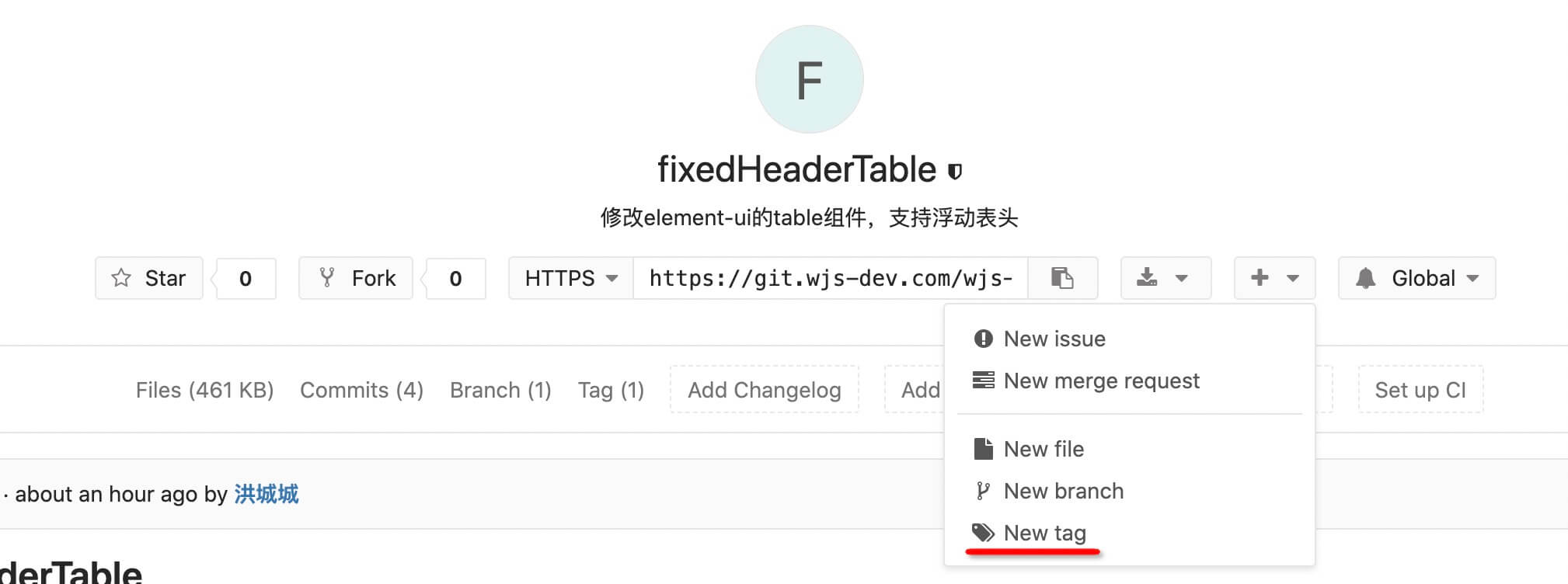
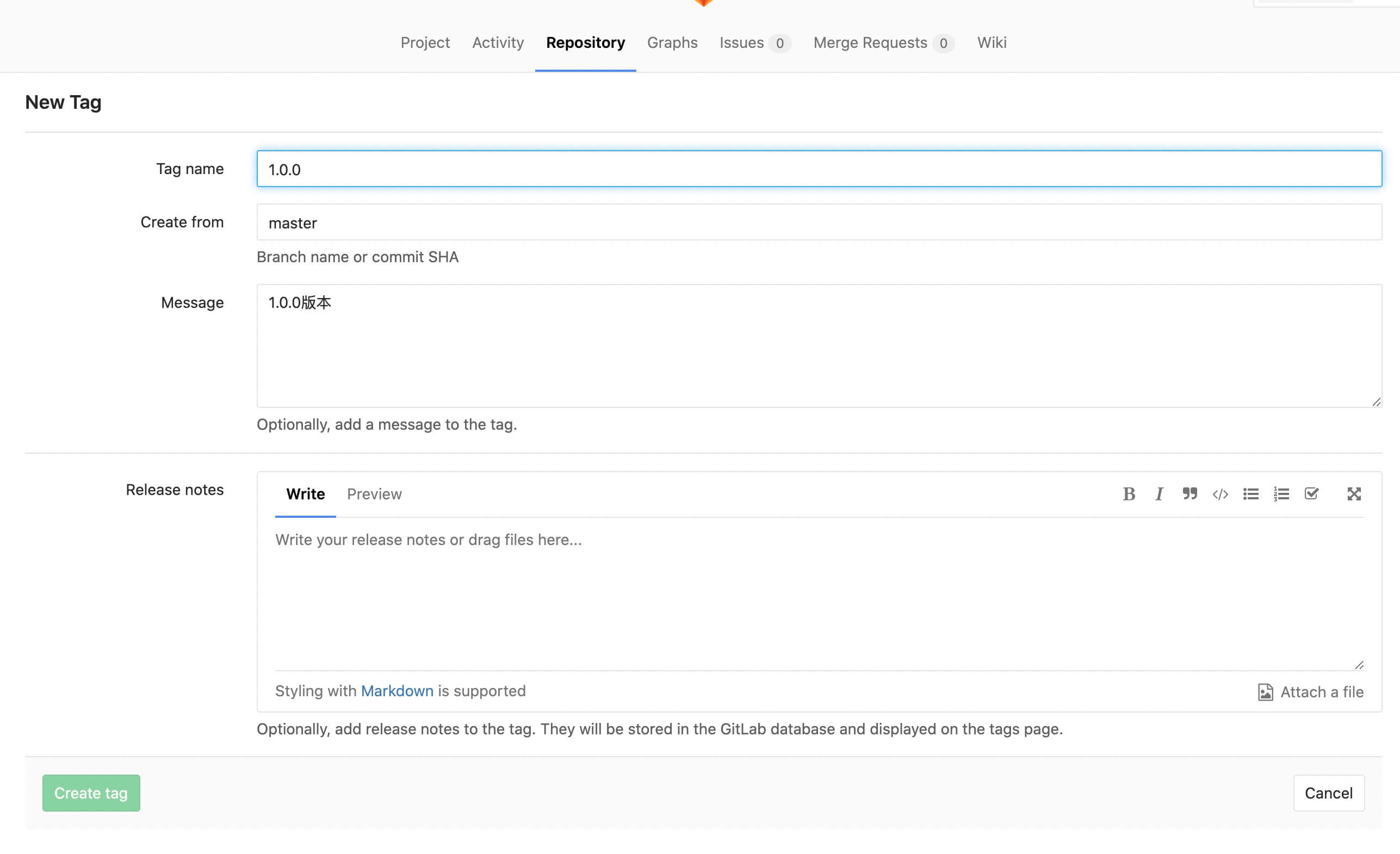
通过建立tag进行版本管理

在安装依赖时,在原链接后面加上
#tag设置版本1
npm install -S git+https://git.wjs-dev.com/wjs-npm/fixedHeaderTable.git#1.0.0
存在的问题
由于npm有缓存机制,所以下载一次后如果你更新了依赖代码,再次运行npm install是无法拉取到最新代码的。
如果要更新依赖,需要删除重新安装。